To submit a quarterly update using Easy MTD, perform some or all of the following steps:
- Select a Tax Year, Business and Quarterly Update
- Select a Figures File
- Select Quarterly Update Figures
- Submit the Quarterly Update
It is assumed the HMRC online services account associated with the taxpayer is ready for Making Tax Digital for Income Tax and you have performed the actions in the Getting Started with Income Tax step-by-step guide.
Select a Tax Year, Business and Quarterly Update
To submit a quarterly update you must select the applicable tax year, business and quarterly update.
1. Click the Income Tax menu or the Income Tax link in the Welcome section
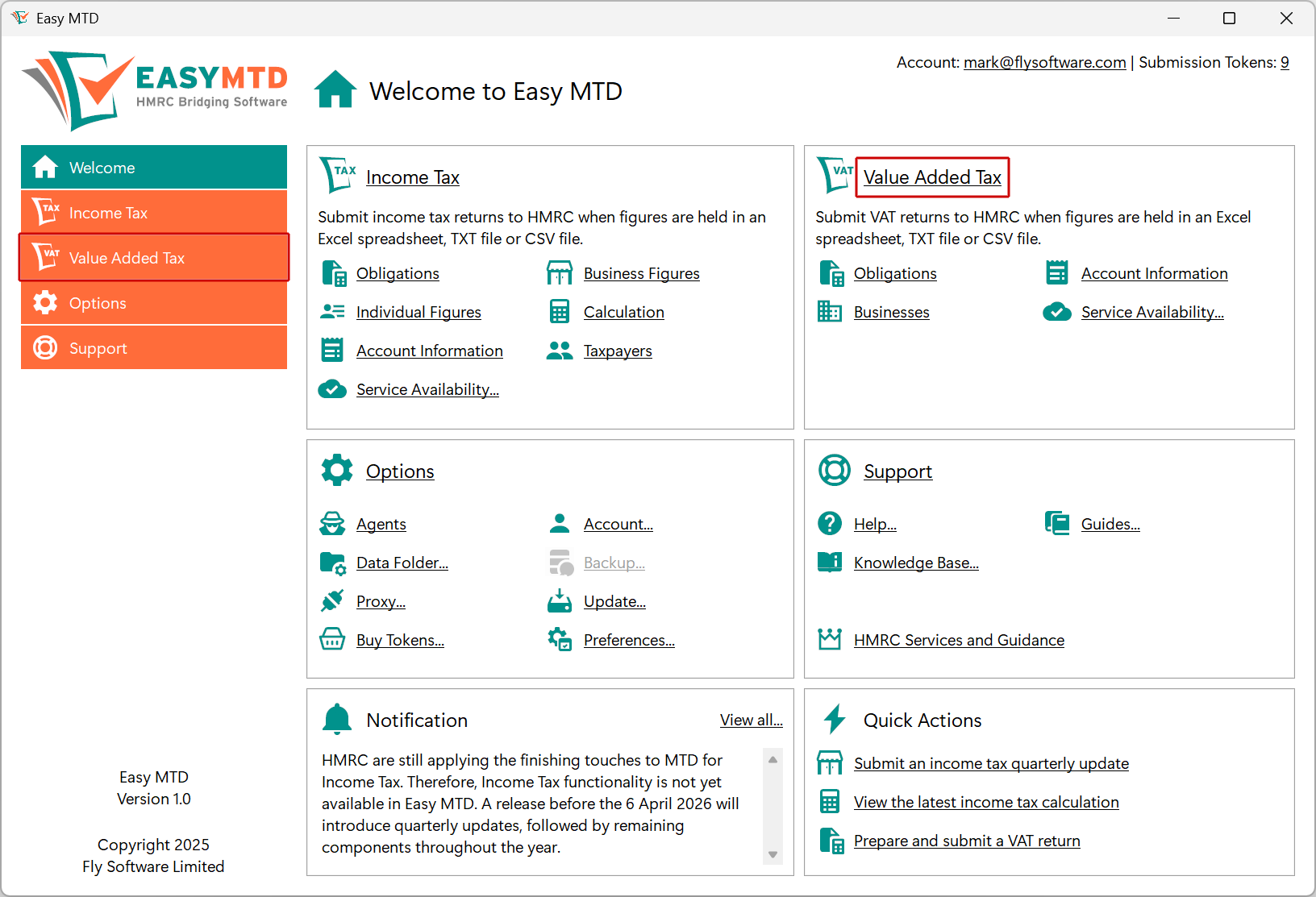
2. Click the Tax Year list box and click the required tax year
3. Click the Business Figures menu or Business Figures link

4. Click the Business list box and click the required business
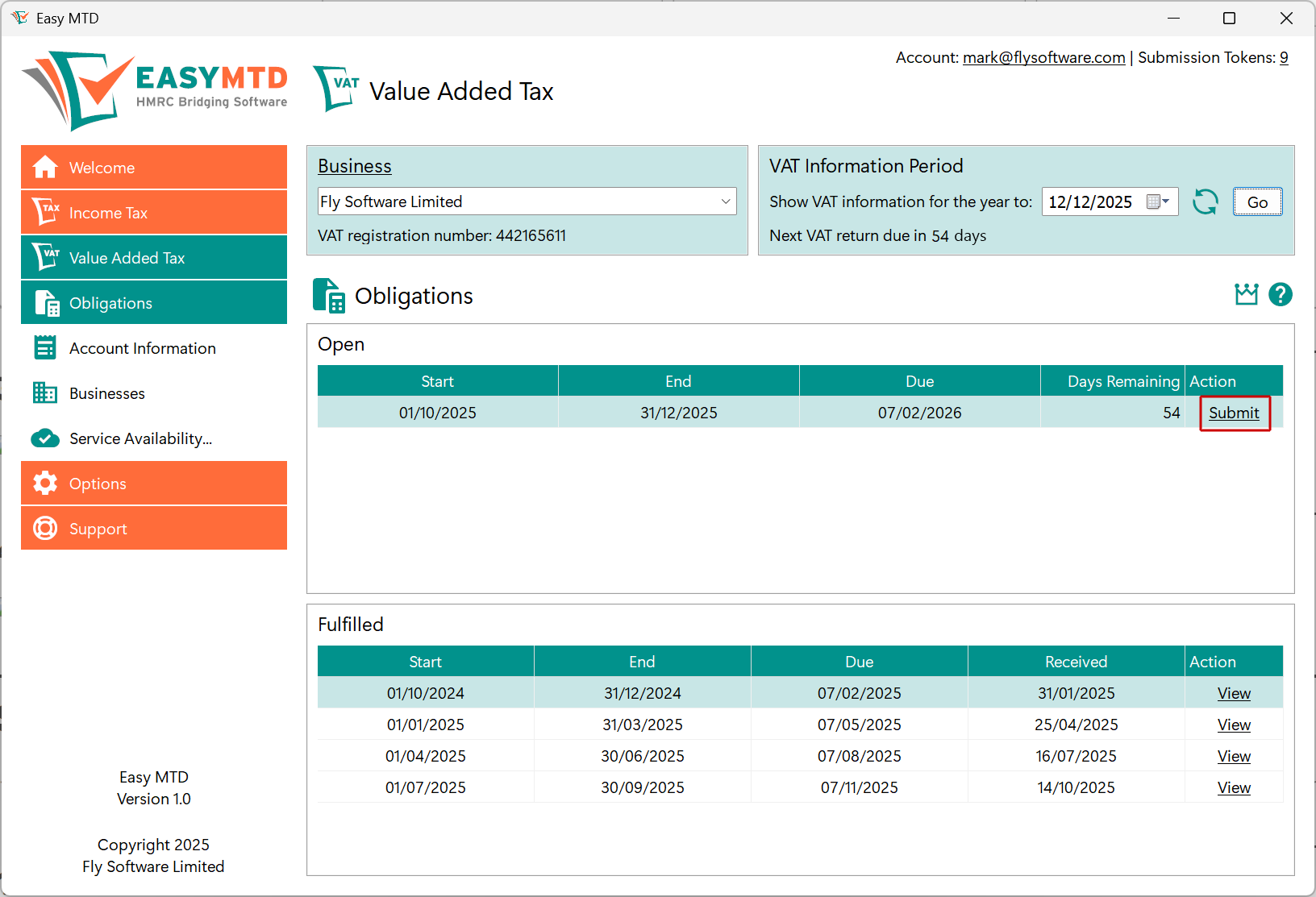
5. Click the Submit link to open the Quarterly Update window
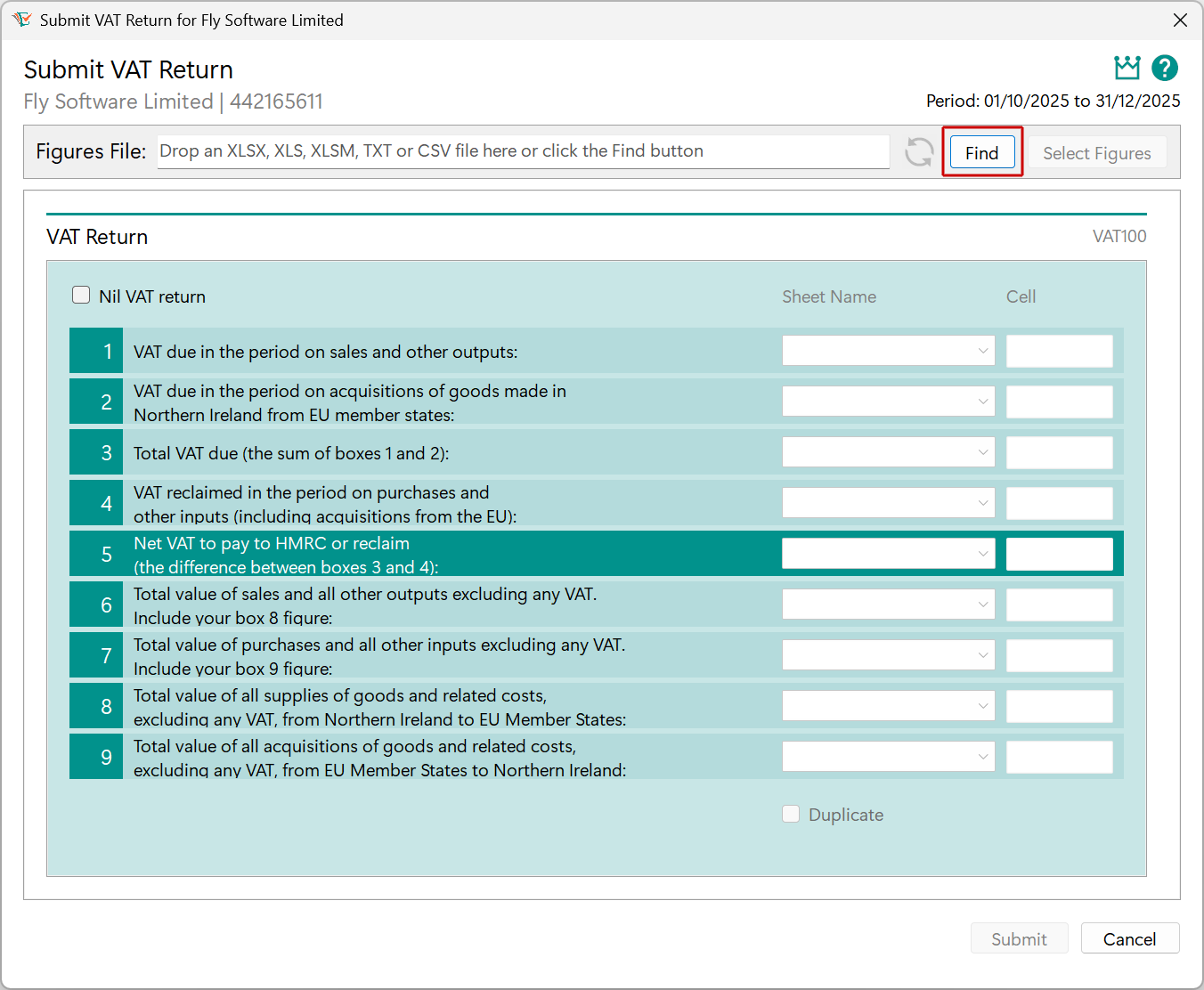
Select a Figures File
The Excel, TXT or CSV figures file where the quarterly update income and expense figures appear must be selected.
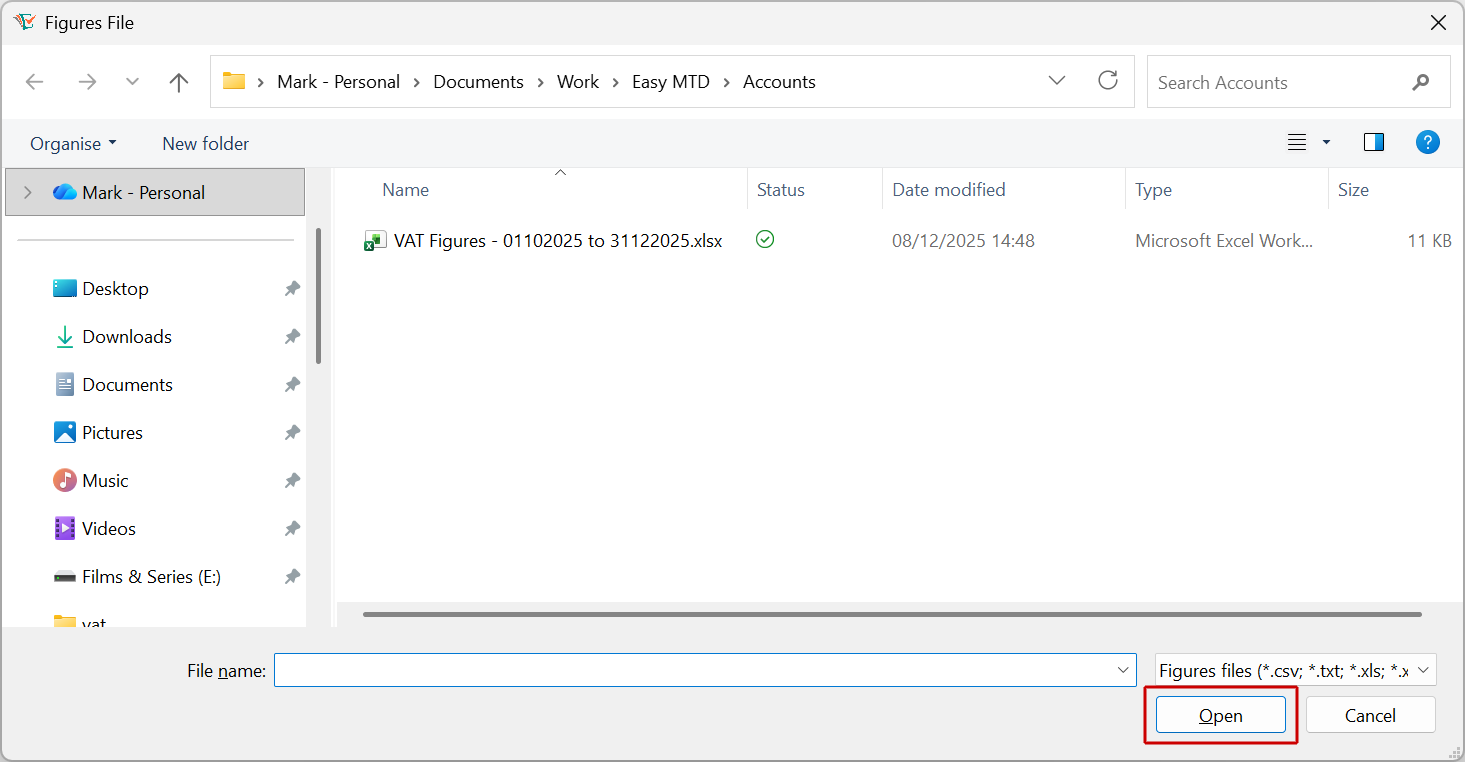
1. Click the Find button
2. Locate and click the figures file
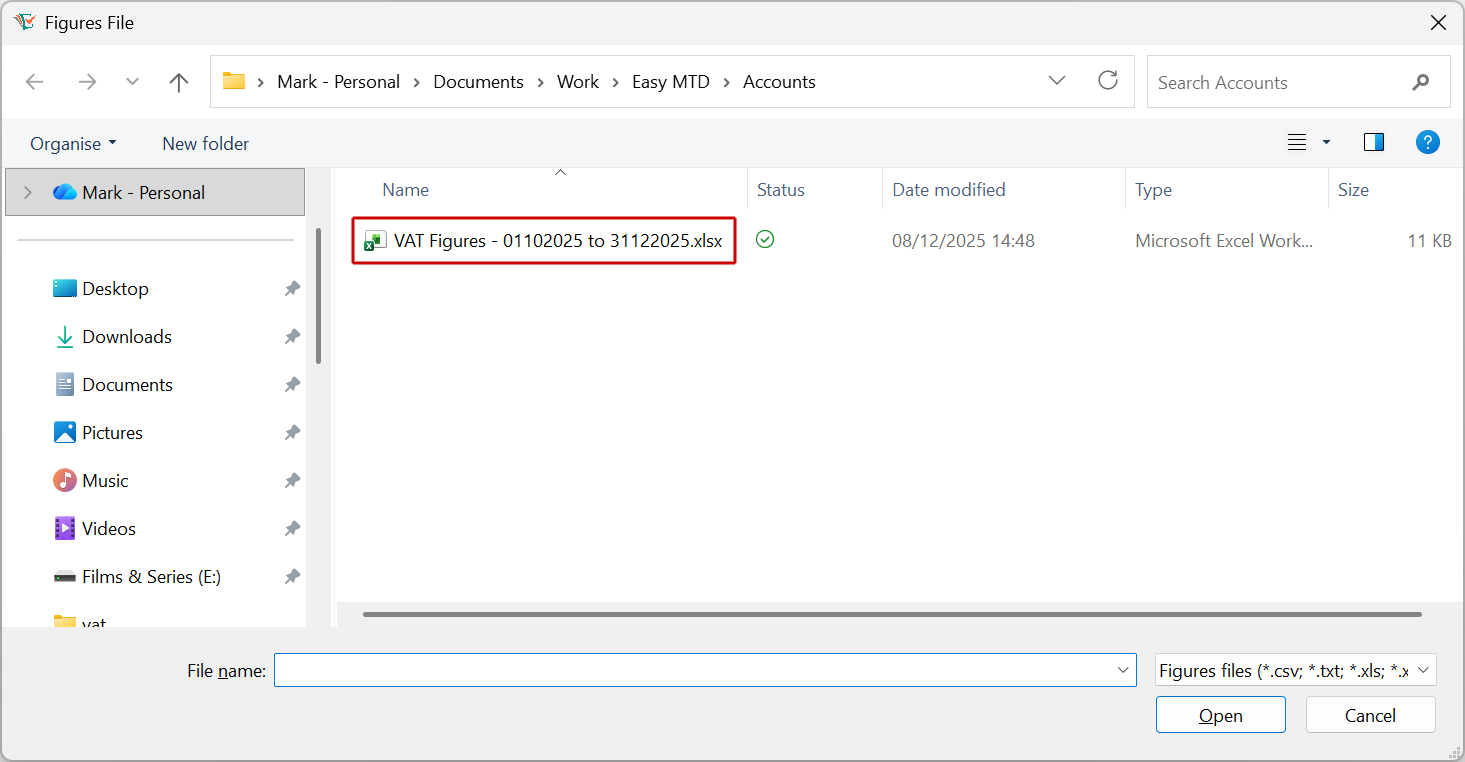
3. Click the Open button
Select Income and Expense Figures
If you have selected a TXT or CSV file, you can ignore this section.
1. Click the Select Figures button
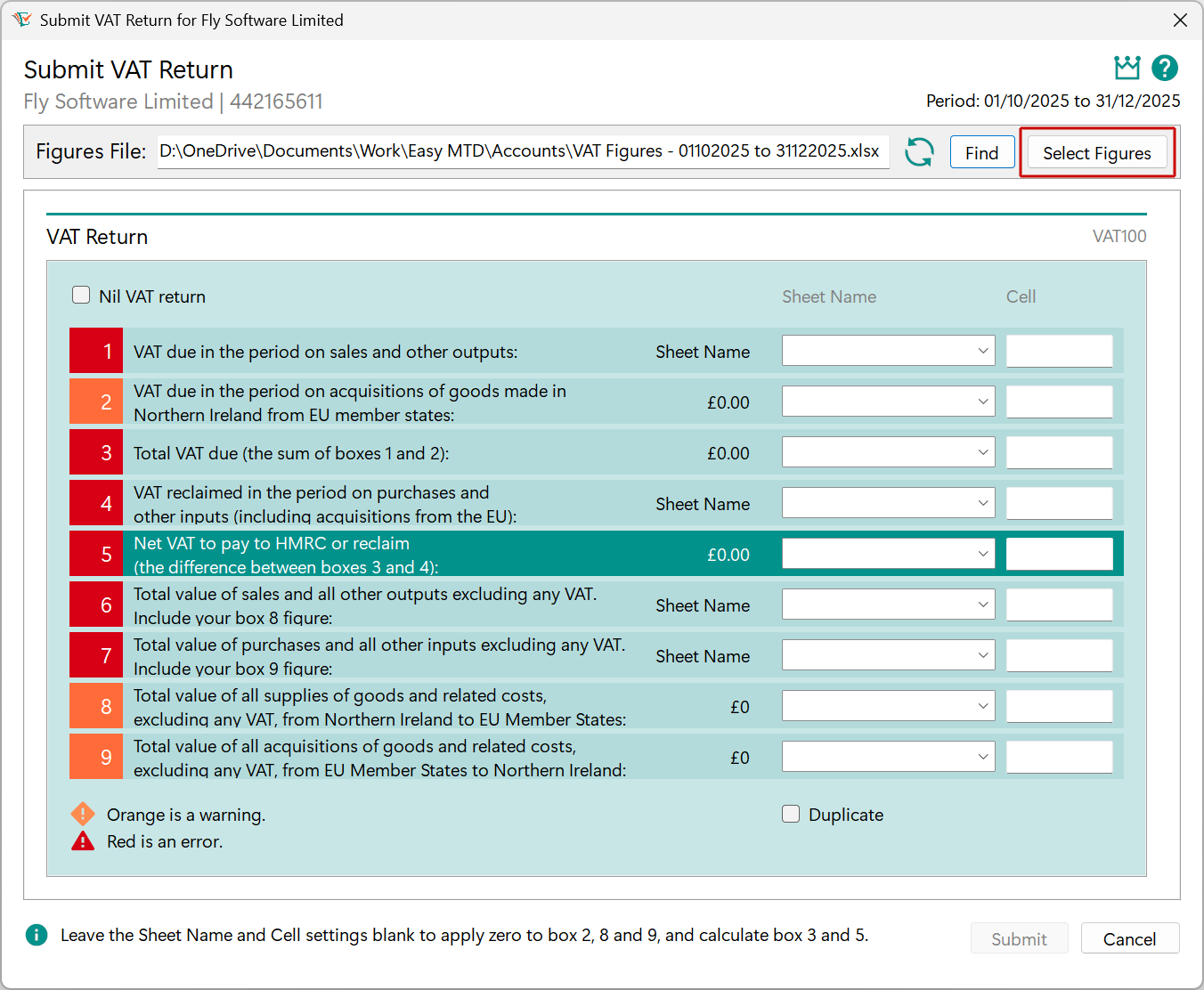
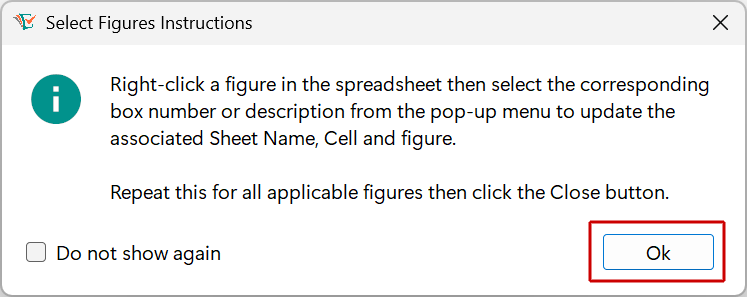
2. Click the OK button
3. Locate and right-click an income or expense figure
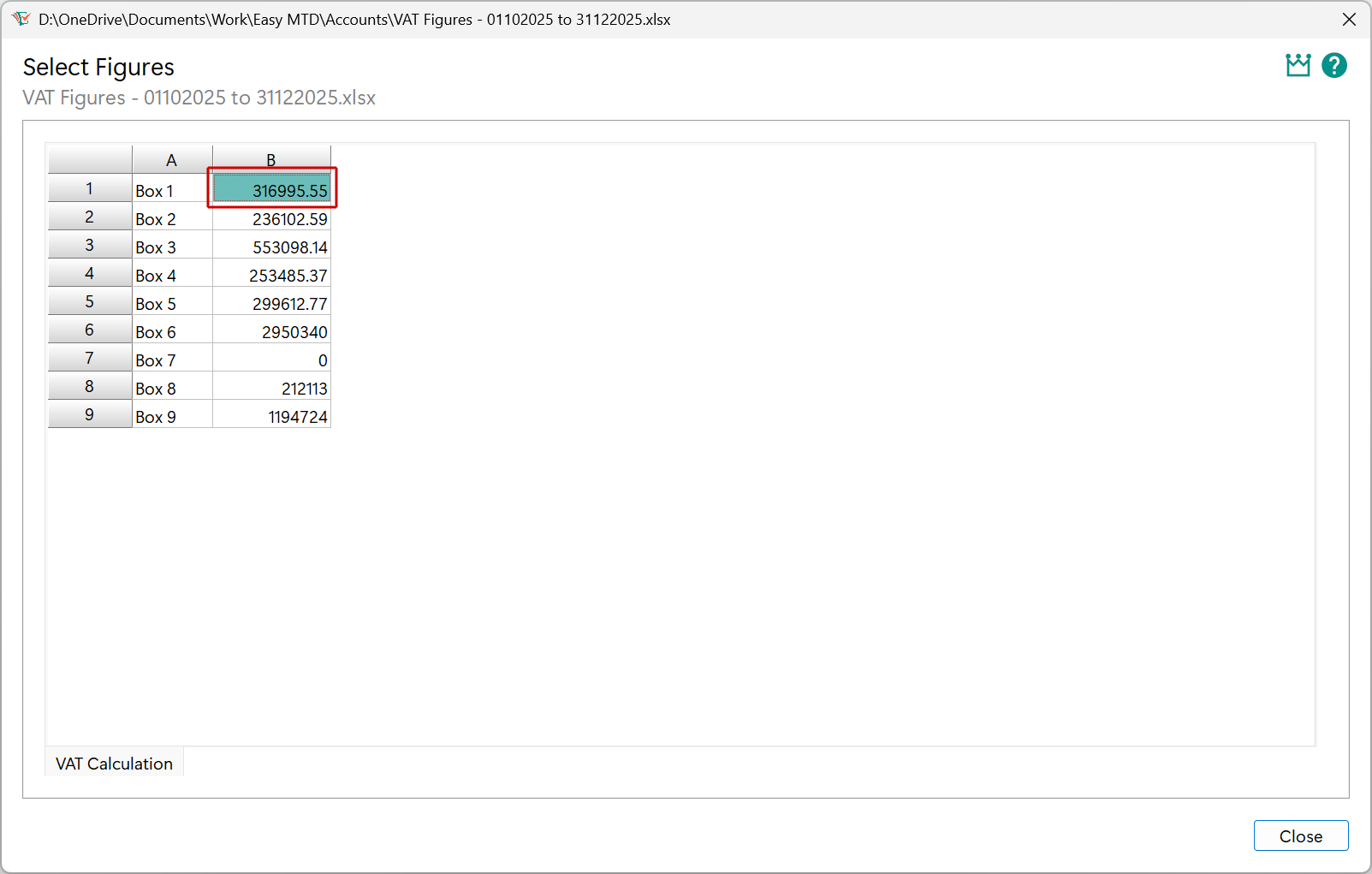
4. Click the associated figures option
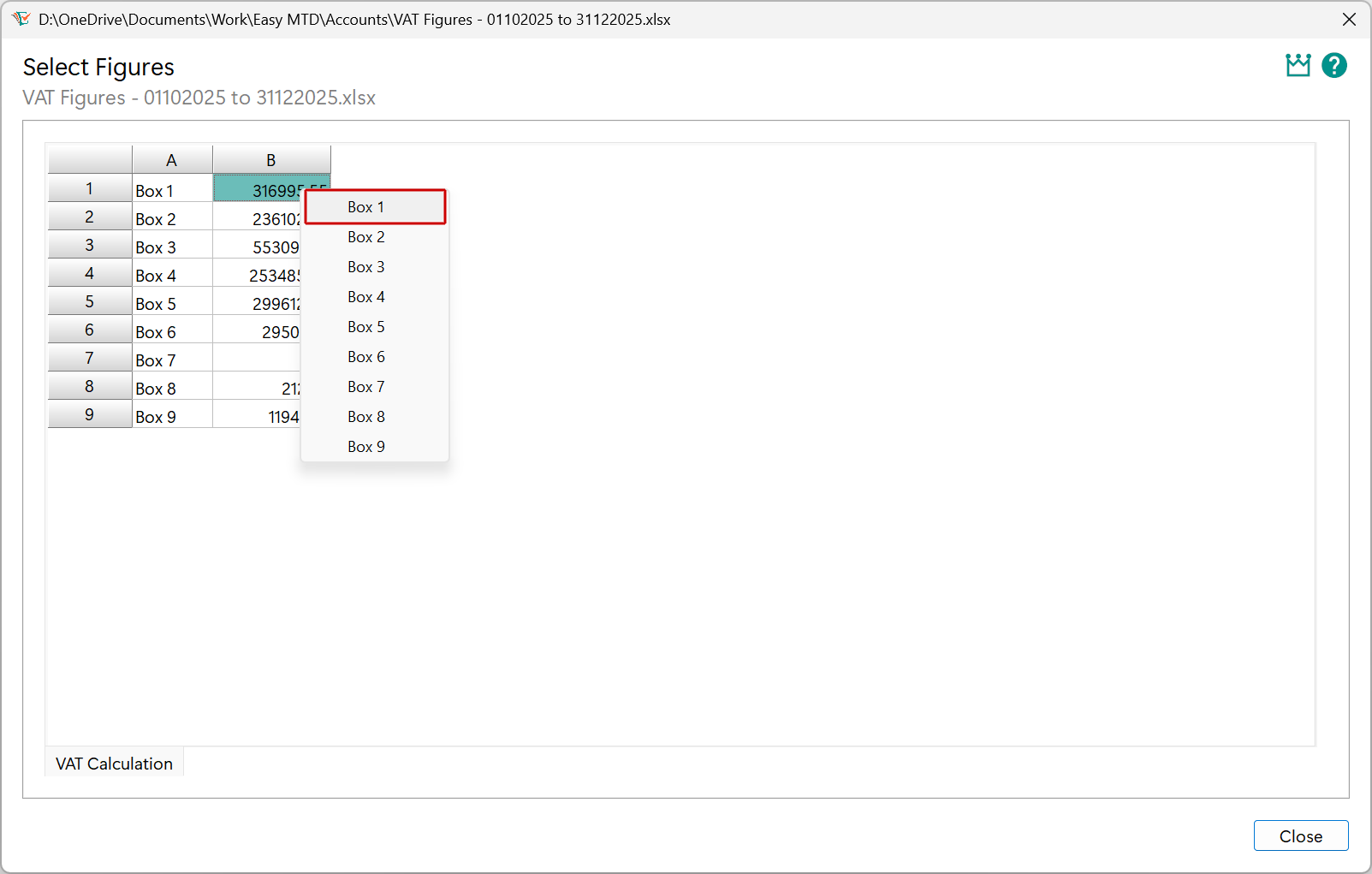
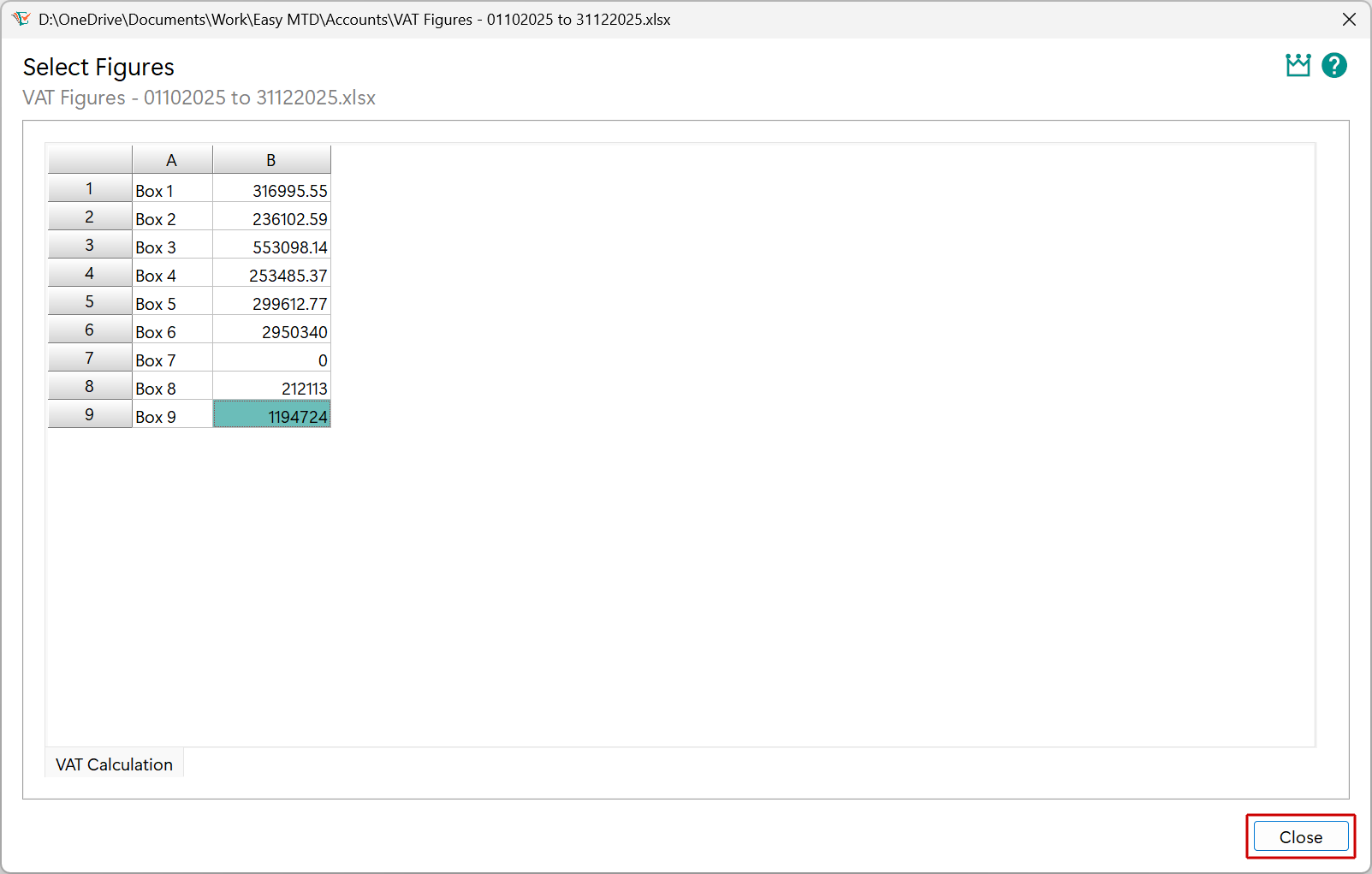
5. Repeat steps 3 and 4 for all applicable income and expense figures
For income and expense figures that are not used, do not select a figure and 0.00 will be automatically applied.
6. Click the Close button
Submit the Quarterly Update
Just a few more simple steps before the quarterly update is submitted to HMRC.
1. Ensure the income and expense figures are correct
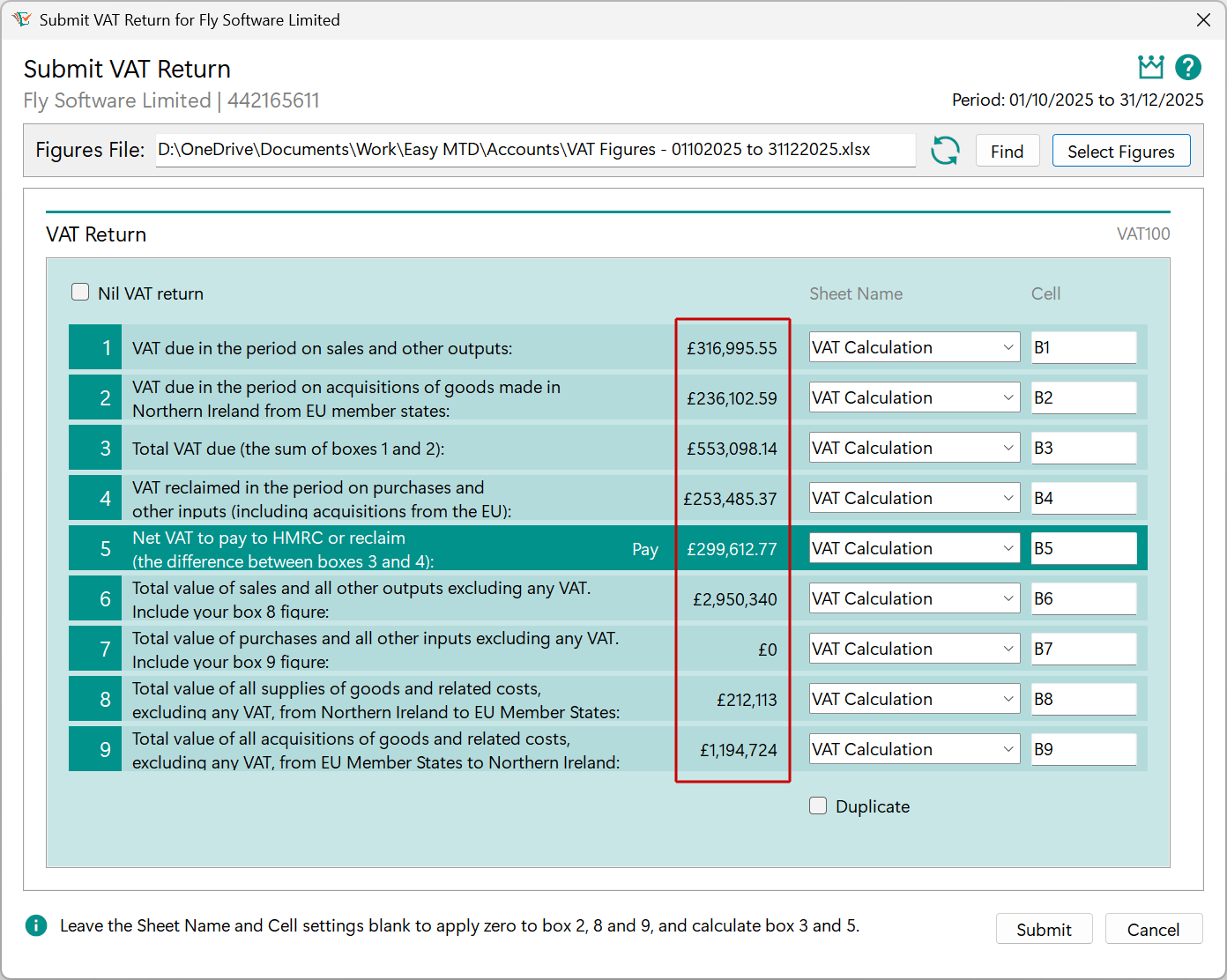
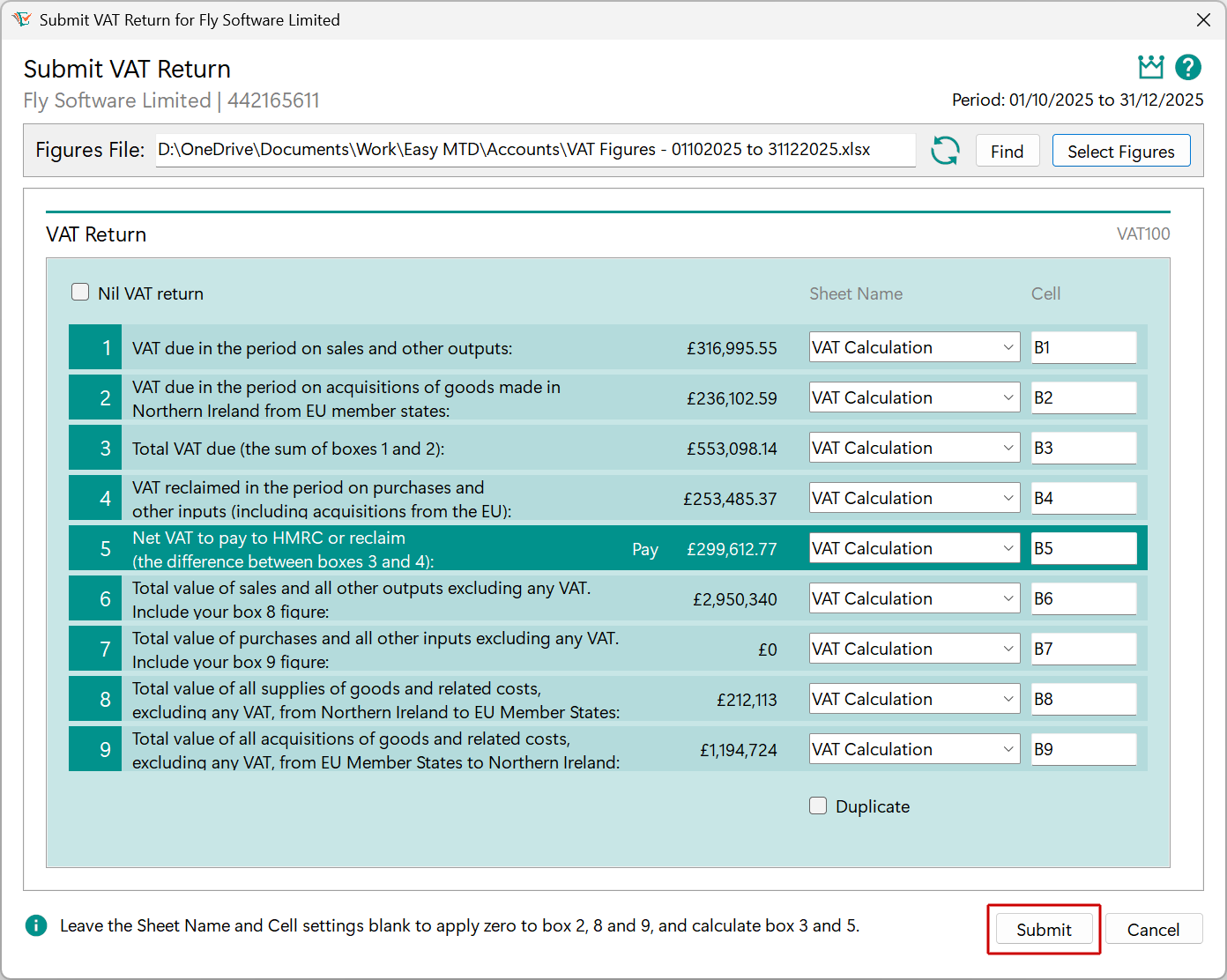
2. Click the Submit button
You will need a token in your Easy MTD account to progress further. You were gifted one when you signed up for the Easy MTD account or you can buy one.
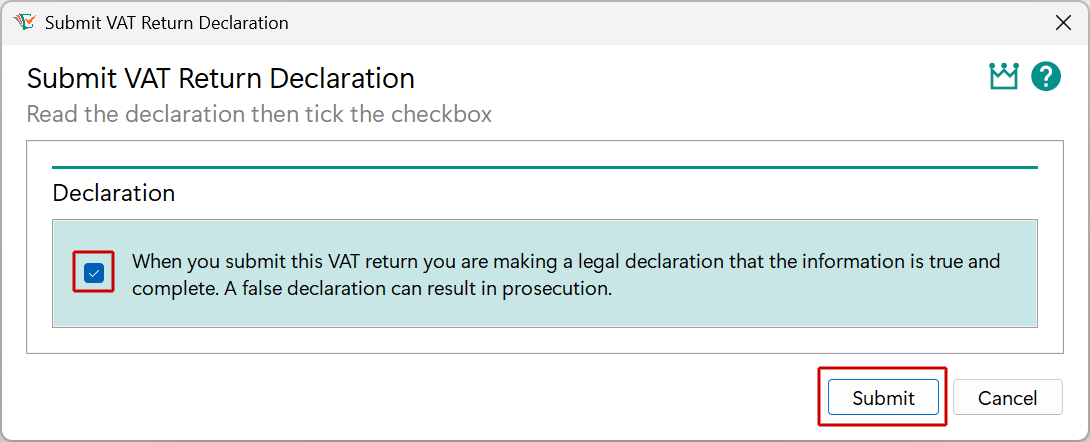
3. Click (tick) the declaration checkbox and click the Submit button
A Calculating window will be breifly shown.
4. Click the OK button

If you are unable to submit the quarterly update, use the support resources for help.